Power Automate
🌐 Website Preview
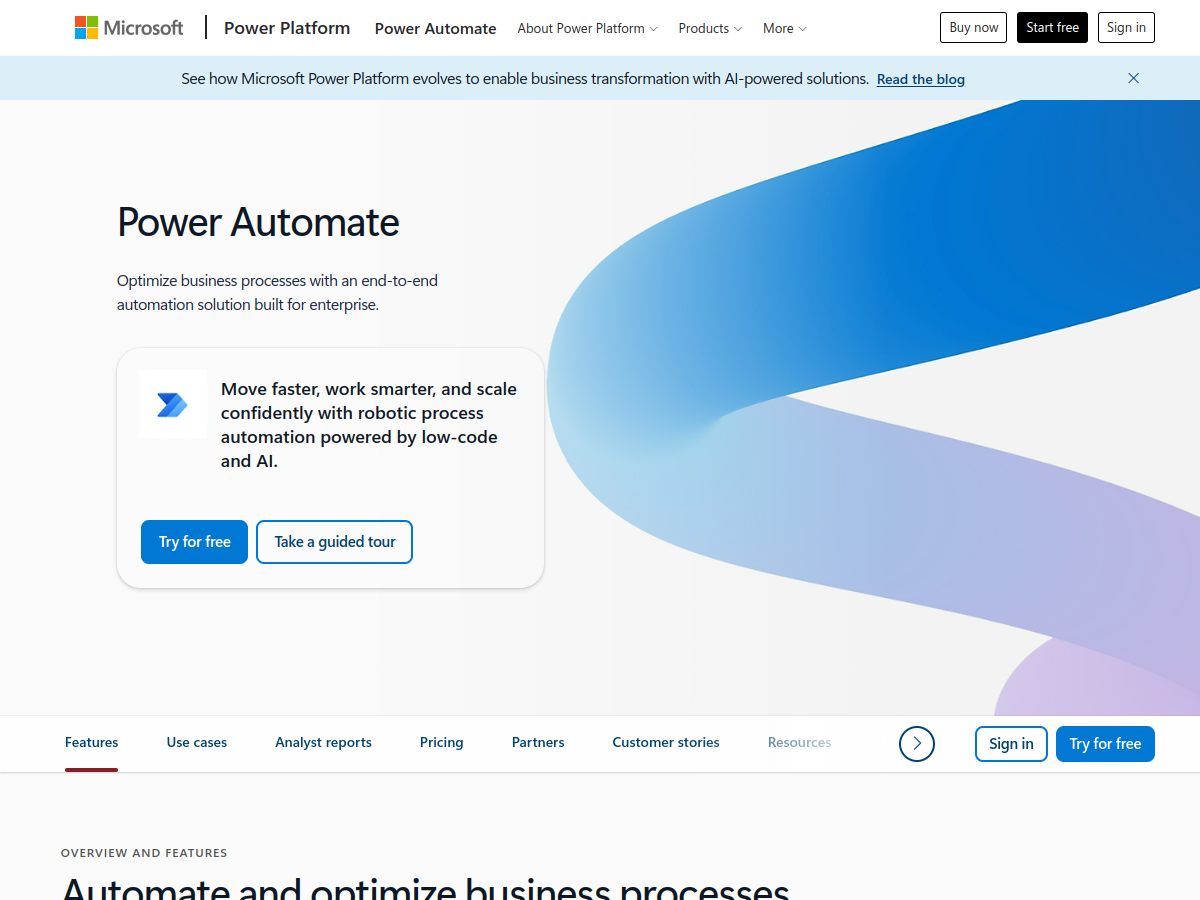
powerautomate.microsoft.com
Details
Pros
- Free tier available
- API available
- GDPR compliant
- EU server location
Cons
- None noted
Profile: Power Automate
| Company | Power Automate |
| Type | Automation & No-Code |
| Founded | 2016 |
| Headquarters | Redmond, USA |
| Server Location | US, EU, APAC |
| GDPR Status | ✅ Compliant |
| Free Tier | Yes |
| Starting Price | $15/mo |
| Pricing Model | SUBSCRIPTION |
| Website | powerautomate.microsoft.com |
About Power Automate
Power Automate (formerly Microsoft Flow) is Microsoft's enterprise automation platform, deeply integrated into the Microsoft 365 ecosystem. Launched in 2016, it offers cloud-based workflow automation, desktop RPA (robotic process automation), and AI Builder for automating processes across Microsoft and third-party applications.
The platform supports three types of flows: Cloud flows (event-triggered automations similar to Zapier), Desktop flows (RPA for automating legacy desktop applications), and Business process flows (guided multi-step processes). This makes it uniquely capable of bridging modern cloud APIs with legacy enterprise software.
Basic Power Automate capabilities are included with Microsoft 365 licenses (limited runs). The Premium plan ($15/user/mo) adds cloud and desktop flows with AI Builder. Process ($150/bot/mo) enables unattended RPA bots. Hosted Process ($215/bot/mo) provides Microsoft-managed RPA infrastructure.
The 1,000+ connectors include deep integration with Microsoft services (Outlook, Teams, SharePoint, Dynamics 365, Dataverse) as well as third-party apps (Salesforce, ServiceNow, SAP). AI Builder adds capabilities like document processing, text recognition, and prediction models.
Key advantages: unmatched for Microsoft-centric organizations, desktop RPA capability (competitors lack this), enterprise security (Azure AD, DLP policies), and it's often already included in existing M365 licenses. Limitations: the interface is less intuitive than Zapier/Make, primarily designed for enterprise use, and desktop RPA requires Windows machines.